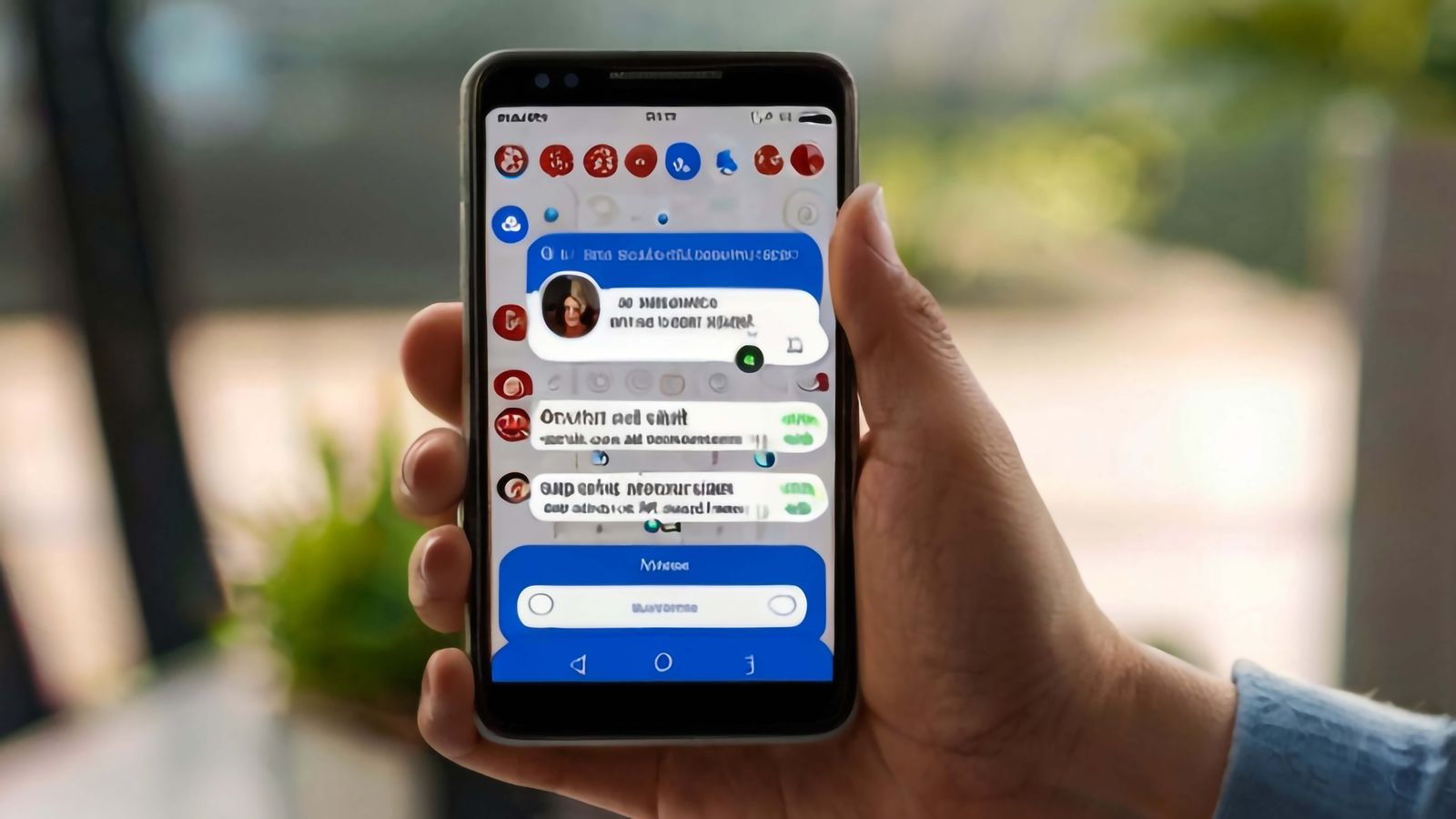
Conversations: XMPP Messaging on Android
Conversations is the most capable XMPP client for Android by a considerable margin. It implements the modern XEP stack that makes XMPP behave like contemporary messaging — message sync across devices, read receipts, typing indicators, reliable file transfer, push notifications, and end-to-end encryption — and it does so without requiring technical knowledge from the user after initial setup. This review covers what Conversations does well, what its limitations are in practice, the OMEMO encryption model and what it actually protects, server compatibility requirements, and the day-to-day usability compared to more mainstream messaging applications. The assessment is based on direct use across multiple server configurations. This sits in the reviews section. For background on why encrypted messaging matters, the EA Origin unencrypted chat case study illustrates the concrete risks of plaintext messaging, and the privacy and security topic hub covers the broader context.
What Conversations does well
Conversations implements OMEMO encryption (XEP-0384), multi-device message sync via Message Archive Management (XEP-0313), message carbons (XEP-0280), HTTP file upload (XEP-0363), and push notifications (XEP-0357) — the XEP bundle that distinguishes a usable modern XMPP client from the first-generation clients that made XMPP feel clunky. The result is an experience that matches WhatsApp or Signal in day-to-day use when the server supports all required extensions.
The UI is clean and functional without being feature-sparse. Multi-account support is first-class: switching between accounts is a single tap, and each account maintains independent contact lists, encryption sessions, and message histories. Group chats (MUC — Multi-User Chat) work reliably, with OMEMO encryption available in group contexts where all participants' clients support it.
File transfer via HTTP upload is seamless — the client uploads to the server-configured file storage endpoint and sends a download link in the conversation. Recipients on any XMPP client that handles XEP-0363 receive the file without friction.
OMEMO encryption
OMEMO is XMPP's end-to-end encryption protocol, built on the Signal Protocol's Double Ratchet algorithm. It provides forward secrecy and break-in recovery — the same cryptographic model that underpins Signal's encryption. Each device maintains its own key pair; messages are encrypted per-device rather than per-account, which enables multi-device messaging without compromising encryption.
OMEMO trust management in Conversations uses a Trust-on-First-Use (TOFU) model by default. When you first message a contact, their device keys are recorded and trusted automatically. Subsequent key changes — a new device, a reinstall — prompt the user to manually trust the new keys. In practice, most users never manually verify key fingerprints. TOFU is weaker than verified trust but substantially stronger than no encryption, and it handles the common case (same person, same or new device) without user friction.
The encryption indicator in Conversations is explicit — each message shows whether it was sent encrypted, and the client will warn before sending a plaintext message to a contact with OMEMO configured. There is no silent fallback to unencrypted messaging if OMEMO is configured for a conversation.
OMEMO requires the server to support Personal Eventing Protocol (PEP, XEP-0163) for key publication and device list management. Without PEP support on both endpoints' servers, OMEMO cannot function. Most actively maintained XMPP servers — Prosody with mod_pep, Ejabberd, Openfire — support PEP. Older or minimally-configured servers may not. Conversations surfaces this clearly: if OMEMO is unavailable for a contact, it shows the reason.
Server compatibility
Conversations exposes how well a server is configured for modern XMPP through its account management screen — each account shows a list of supported and missing server features. This is one of the most practically useful pieces of UI in any XMPP client, because XMPP server quality varies enormously.
The features that matter most for usable day-to-day messaging:
Message Archive Management (MAM): Without this, messages sent while offline are lost. MAM stores messages server-side and delivers them when the client reconnects. Essential for multi-device use.
HTTP File Upload: Without this, file and image sharing falls back to in-band XMPP file transfer, which is slow and often fails through NAT.
Push notifications (XEP-0357): Without this, Conversations must maintain a persistent connection to receive messages in the background, draining battery. With push, the server notifies a push relay (typically operated by the client developer) which wakes Android's push infrastructure.
The most common source of poor Conversations experience on self-hosted servers is an incomplete mod_http_upload configuration in Prosody or Ejabberd. File uploads work during testing but fail for large files or from outside the LAN because the HTTP upload endpoint URL is misconfigured to use an internal hostname. Check that the file upload URL in server configuration resolves correctly from external networks and that TLS is valid on that hostname specifically — it is often on a subdomain distinct from the XMPP hostname.
Availability and licensing
Conversations is available on the Google Play Store (paid) and on F-Droid (free). The F-Droid version is built from source with the same functionality. A fork called Cheogram adds telephony features. The codebase is open source under the GPLv3.
Conversations circa 2015–2017: OMEMO encryption was newly implemented and many servers did not support PEP. File transfer was unreliable. The client required more manual configuration. XMPP had a reputation — somewhat deserved — for being the technically correct choice that was painful in practice. Conversations was the client trying hardest to disprove that reputation.
Conversations in 2025–2026: The modern XEP stack is well-supported on current servers. Conversations works reliably for most users on well-configured servers. The gap between Conversations and Signal in day-to-day usability has narrowed. The remaining friction points are server setup (for self-hosters) and persuading contacts to use XMPP at all — not client quality.
Practical usability
For users willing to set up an XMPP account and use an open messaging protocol, Conversations is the correct choice on Android. The setup path — create an account, install Conversations, log in — is genuinely straightforward. The client handles the complexity of the protocol stack invisibly.
The real barrier to XMPP adoption is not the client. It is the network effect. Conversations is an excellent XMPP client on a messaging network that lacks the density of WhatsApp or Signal. For users whose contacts are already on XMPP, it is the best Android option. For users evaluating encrypted messaging options from scratch, Signal's simpler setup and larger contact presence make it the more pragmatic choice — but that is a network problem, not a Conversations problem.